Turn one video into a content engine.
Vexora finds the strongest moments, builds polished vertical clips, and lets an AI agent keep your YouTube channel moving on your schedule.
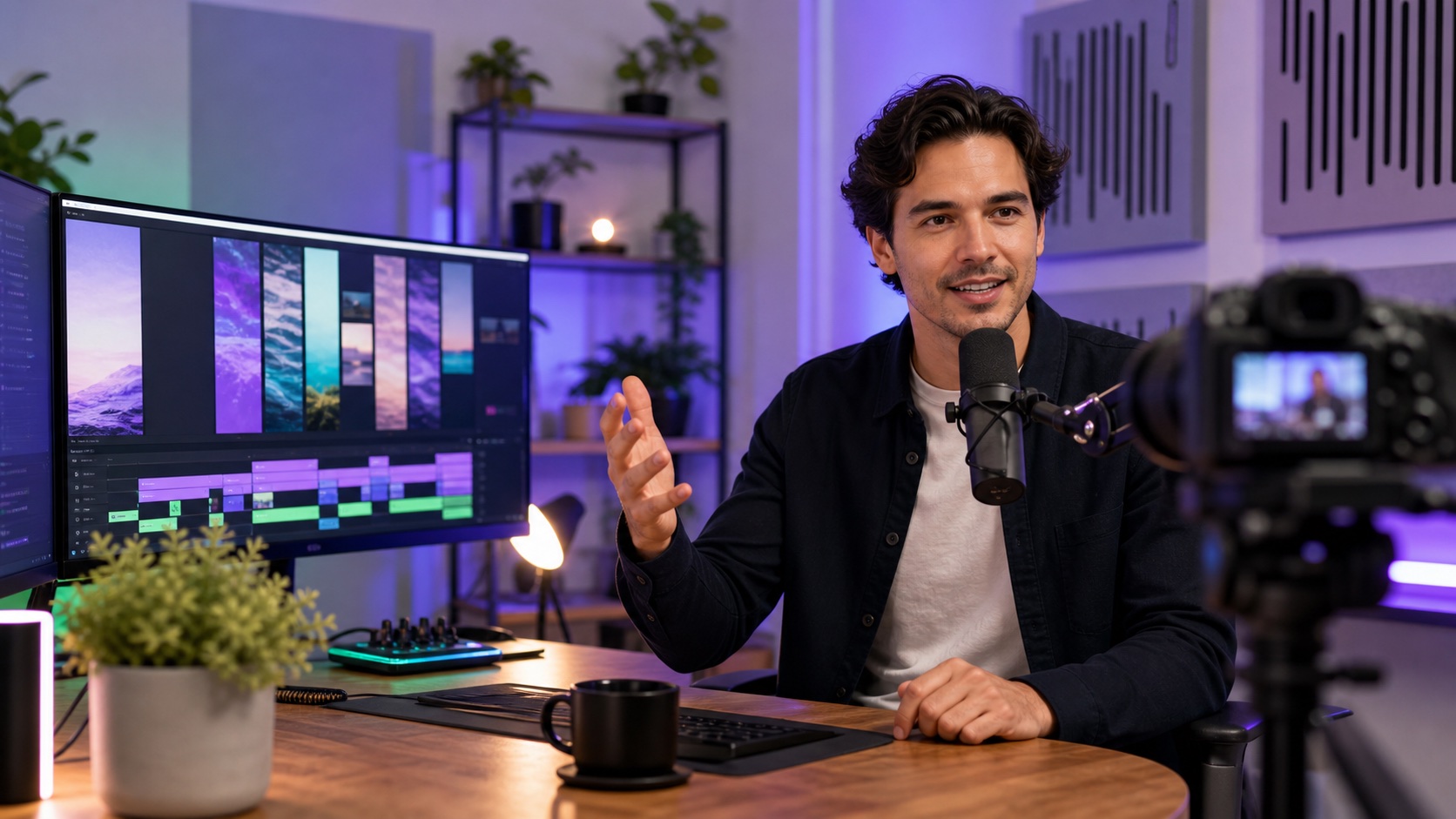



Your strongest clip keeps moving—even when you are not.
Autopilot watches your finished queue, chooses the highest-ranked unpublished clip, prepares its title, caption, and hashtags, then posts to your connected YouTube channel at the cadence and visibility you choose.
- 01AI selectionRanks ready clips by hook, clarity, pacing, and retention signals.
- 02Your controlChoose review-first approval or fully automatic publishing.
- 03Built-in guardrailsPrevents duplicate posts and pauses cleanly when YouTube applies a temporary limit.
See exactly what happens after you upload.
One source video goes in. Vexora handles the repetitive work and leaves you with clips you can actually use.
Drop in the full recording.
Start with an MP4 or MOV from your podcast, interview, stream, or tutorial.
- No timeline scrubbing
- No manual resizing
- Your project stays organized
Strong moments rise to the top.
Vexora analyzes clear hooks, complete ideas, and moments that can stand on their own.
- Highlights ranked for review
- Social aspect ratios prepared
- Captions generated automatically
Finish with content built for Shorts.
Review the vertical result, keep the file, or send it to your connected YouTube channel.
- 9:16 smart framing
- Captions included
- HD download or YouTube publish
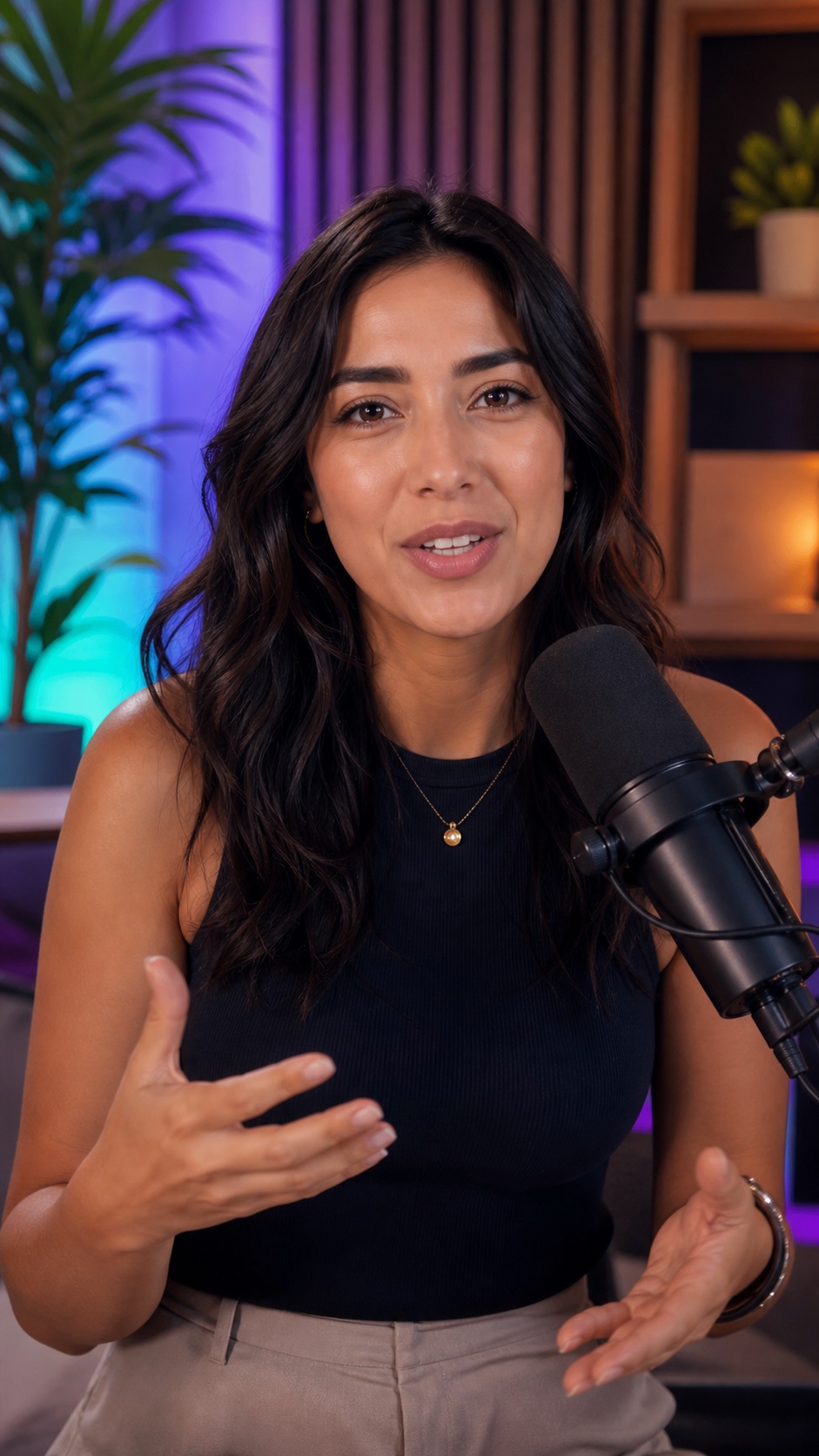
Start with 5 lifetime clips. No payment details required.
From upload to ready-to-post clips.
A straightforward workflow from source video to finished vertical clips.
Upload Video
Drop in podcasts, streams, interviews, or YouTube videos.
AI Scans
Vexora analyzes spoken hooks, standalone clarity, captions, and clip potential.
Clips Created
Your generated clips page fills with export-ready records.
Autopilot Publishes
Approve the AI pick or let the agent publish it to YouTube automatically.

Every clip already looks native.
Vexora does more than trim a timeline. It turns long-form footage into vertical content that feels designed for the feed.
- 01Smart layoutsSwitch between full, split, grid, and picture-in-picture.
- 02Smart social reframingFit landscape footage into vertical layouts without cutting off the original frame.
- 03Platform-ready outputPublish through connected creator workflows or let Autopilot handle YouTube.
Everything your creator dashboard needs.
Everything you need to move from a long recording to a publishable YouTube Short.
Viral Moment Detection
Finds clips with strong opening hooks, standalone clarity, and retention potential.
Find the momentAI Captions
Creates modern captions designed for polished vertical YouTube Shorts.
Hold attentionSmart Reframing
Adapts landscape footage to vertical, square, or widescreen layouts while preserving the full shot.
Stay in frameRealtime Analytics
See YouTube views, likes, comments, and clip performance in one place.
Know what worksAI Publishing Autopilot
Selects the strongest unpublished clip and moves it to YouTube on your chosen cadence.
Keep publishingCreator Workspace
Uploads, clips, analytics, billing, and settings all connect across your Vexora pages.
One workspaceLearn from every clip you publish.
Connect YouTube to bring your published clip performance into one clear workspace.
Review every finished clip.
Preview the result, check its score, download the file, or send it to YouTube.
Stop editing forever. Start clipping smarter.
Compare the old creator workflow with the Vexora AI workflow.
Slow, expensive, and inconsistent.
- ✕ Scrub through hours of footage
- ✕ Guess which moment will perform
- ✕ Resize clips for every platform
- ✕ Add captions by hand
- ✕ Manually track everything
Fast, automatic, and built for growth.
- ✓ AI finds strong moments for you
- ✓ Captions and vertical framing are included
- ✓ Every clip stays organized in one library
- ✓ Autopilot can publish the strongest clip for you
Try it without the usual catches.
The useful details creators want before making an account.
Do I need a credit card?
No. Your free account includes 5 lifetime HD clips without payment details.
What can I upload?
Vexora is built for long-form creator videos such as podcasts, interviews, streams, tutorials, MP4s, and MOV files.
Where can I publish?
Publish to connected creator channels from My Clips. Vexora Autopilot can automatically select and publish your strongest finished clip to YouTube on Pro.
What does Autopilot control?
You choose the channel, visibility, cadence, and whether every AI-selected clip needs your approval before posting. You can turn the agent off at any time.
What happens after my free clips?
Your account and projects stay available. Upgrade only if you want more clip capacity and paid-plan features.
Simple plans for every creator.
Start free, create clips faster, and upgrade when your content starts growing.
Get two months free when you choose annual billing.
Starter Trial
Create your first 5 HD clips with the starter tools.
- 5 total trial clips
- Basic captions
- HD exports
Creator
For creators posting weekly.
- 100 clips monthly
- AI captions
- Viral score
- 4K exports
Pro
For creators publishing at scale.
- 500 clips monthly
- Advanced AI captions
- AI publishing Autopilot
- Advanced analytics
Turn your next upload into a publishing system.
Upload once. Let the AI find, finish, rank, and move your best clips forward.